Fingerprint
Enable Three Fingers Screenshot on OPPO A6s 5G
6 steps · OPPO A6s 5G · Android OS v15
- 1
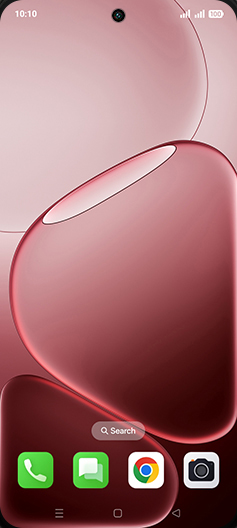
Swipe Up.
- 2
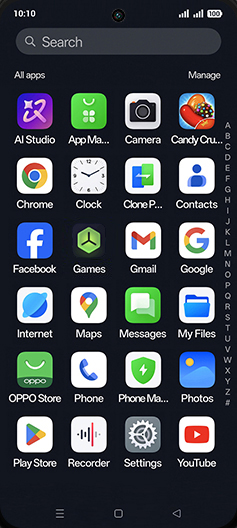
Tap on Settings icon.
- 3
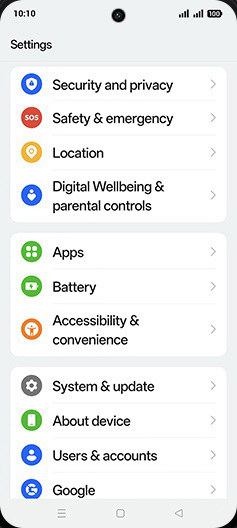
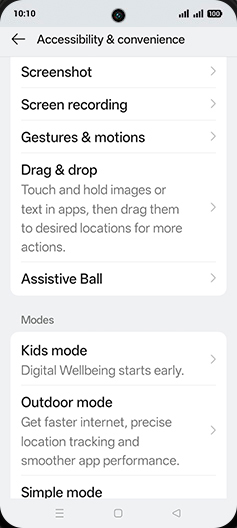
Tap on Accessibility & convenience.
- 4
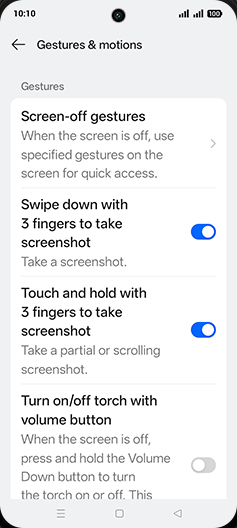
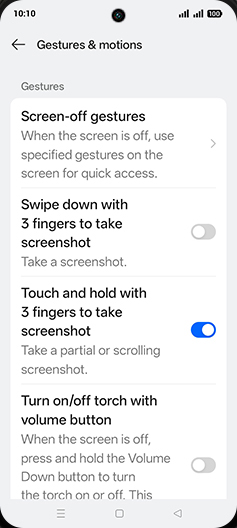
Tap on Gestures & motions.
- 5
Tap on Swipe down with 3 fingers to take screenshot to turn ON.
- 6
Tap on Home.