Camera
Take Ultra-Clear 108MP Image on OPPO A6c
4 steps · OPPO A6c · Android OS v16
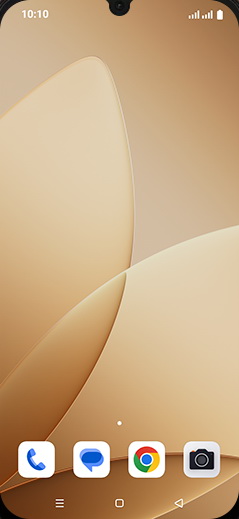
- 1
Swipe Up.
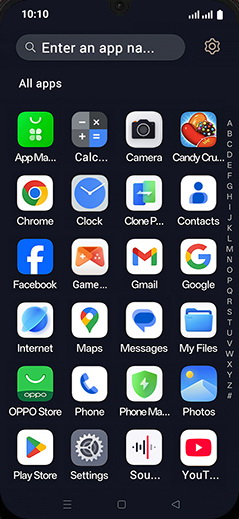
- 2
Tap on Camera icon.
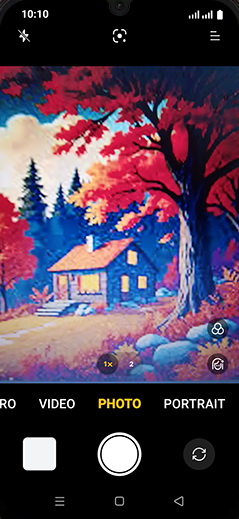
- 3
Swipe right option bar for PRO tab.
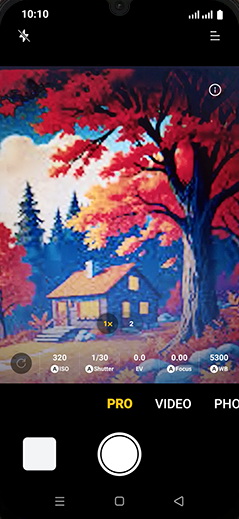
- 4
Capture the Photo.
View on OPPO: Take Ultra-Clear 108MP Image on the official OPPO site